Chat
Start conversations with leading AI models, securely on European infrastructure
Chat is your entry point to DeutschlandGPT. You write a message, the model answers in real time, and every request runs on GDPR-compliant infrastructure in Europe.
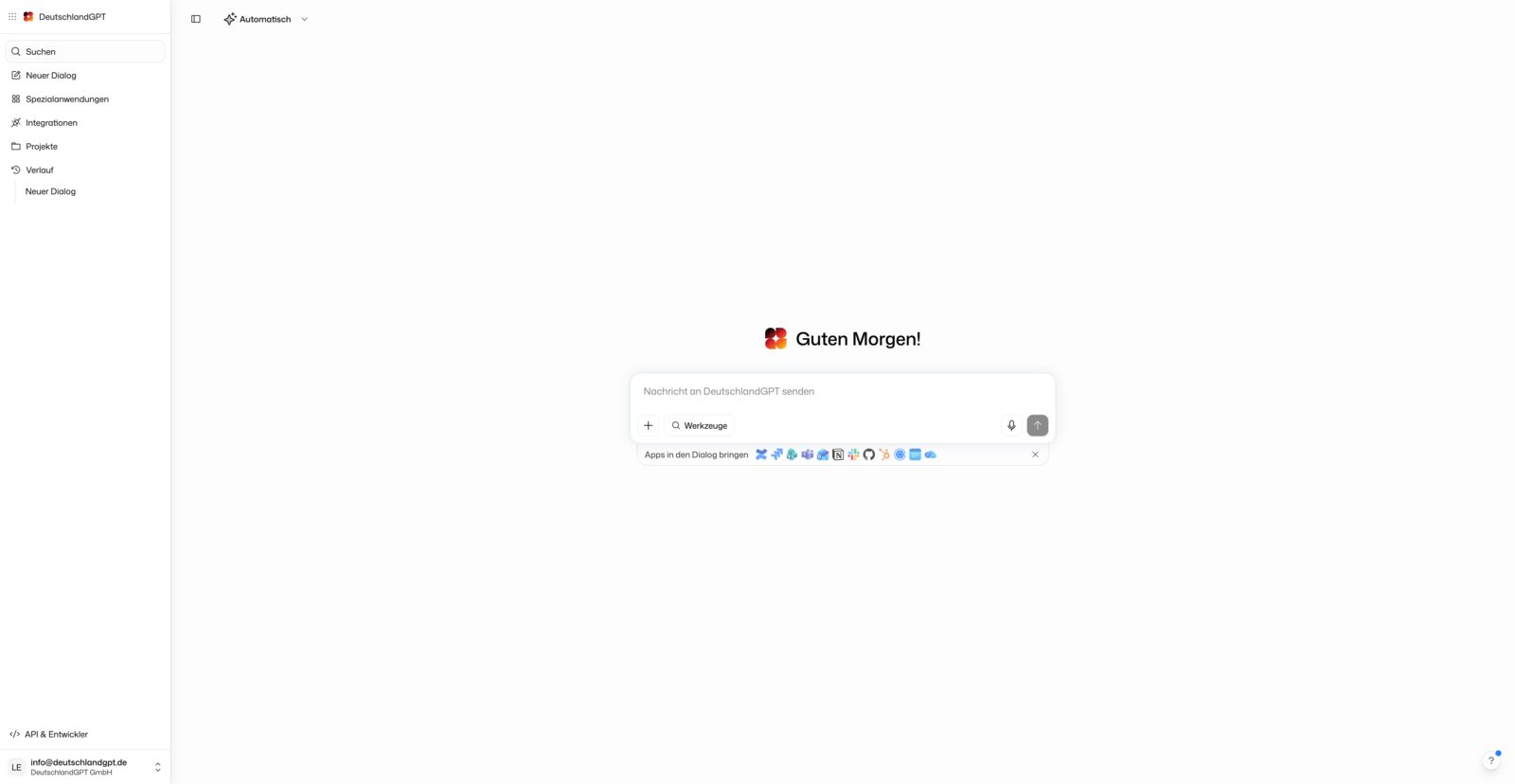
The left sidebar gives you access to everything important: search, a new chat, GPTs, integrations, projects, and your history.
Start a Conversation
Pick a model in the model picker in the header at the top of the chat. If you are unsure, leave Auto selected. See Models and Limits.

The answer streams in as the model writes. Just keep the conversation going: the model keeps the full context of every message in the chat.
If you write long prompts with several paragraphs, you can swap the Enter keys. With Enter inserts a new line under Language, input & appearance, Enter breaks the line and Shift+Enter or Ctrl/Cmd+Enter sends.
While an answer is being written, the send button turns into a stop button. Stop ends the answer, and what was written so far stays in the chat. Closing the tab or losing the connection does not stop anything: the answer finishes on the server and is there when you reopen the chat from the sidebar.
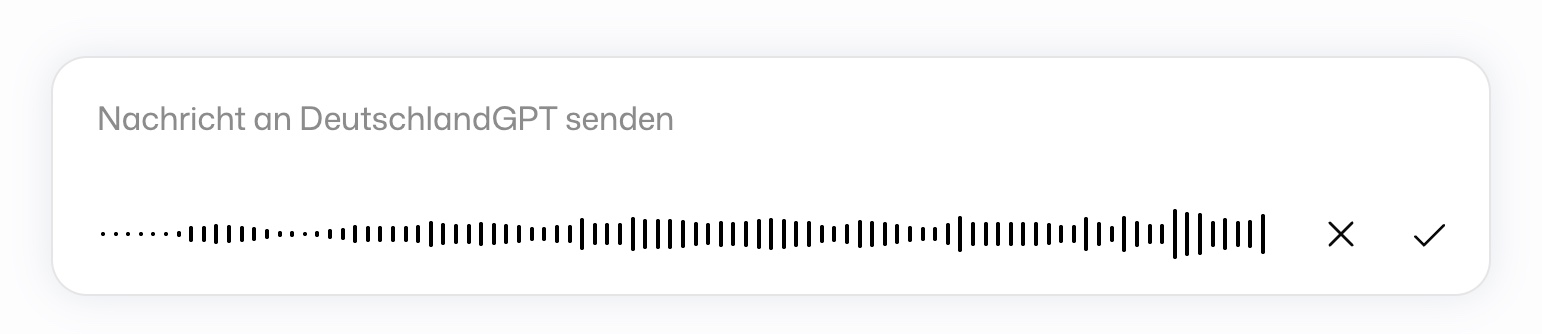
Instead of typing, you can dictate your message using the microphone. DeutschlandGPT turns what you say into text that you can still edit before sending. A recording can also be discarded. The recognition language (default Automatic) is set under Language, input & appearance.
Attach Files
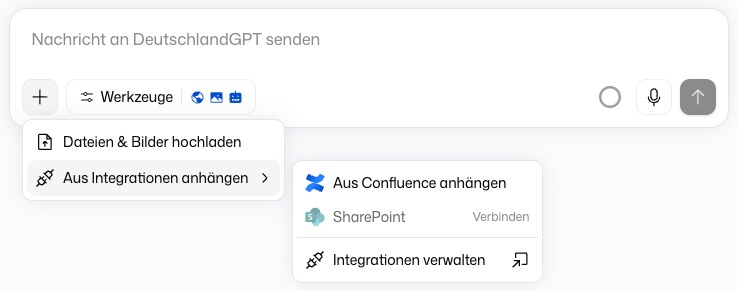
The + button next to the input field offers two ways in:
- Upload files & images: Pick files from your computer. You can attach up to 10 files per message, each up to 100 MB. Images only work with a model that can see images.
- Attach from integrations: Pull pages from Confluence, files from SharePoint or OneDrive, or files from a connected WebDAV server straight into the message.
Documents, spreadsheets, e-mails, ZIP archives, images, audio files and most code and text formats are supported. The full list is in Troubleshooting. Very long text belongs in a file rather than in the message box, because a single message has a character limit.
Working with Messages
Hover over a message and DeutschlandGPT reveals the actions that fit it.
For your own messages:
-
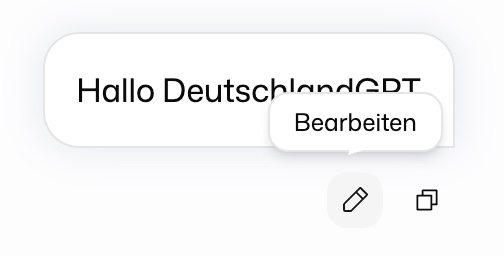
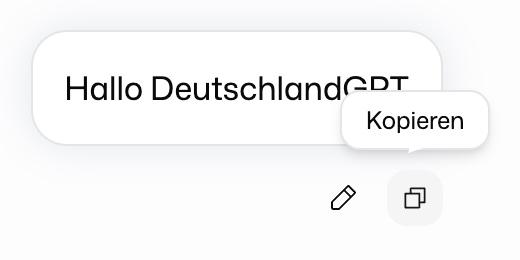
Edit: Change a message you already sent and have the answer regenerated.
-
Copy: Copy your message text to the clipboard.
For the model's answers:
-
Regenerate message: Request an alternative answer to the same question.
-
Copy: Copy the answer to the clipboard.
-
Play message: Have the answer read aloud. Whether you may use it depends on your role, and it is not offered in organizations that use professional secrecy mode.
-
Report answer (flag icon): Report a wrong or problematic answer. This opens the feedback dialog with the conversation already attached. The question mark button in the bottom right corner of the app opens the same dialog from anywhere, and your reports and their status are listed under Feedback.
-
Branch chat: Open a copy of the conversation up to this answer in a new chat and try a different direction without changing the original. The copy opens in a new tab.
Answer Questions in Cards
When the model needs something from you before it can continue, it asks in a small card at the end of its answer instead of writing out a list of questions.
- One question with options: Click an option. That click is your answer.
- Several questions: Fill in the card and send it. Every question is required.
Your answer is posted into the chat as a normal message. You don't have to use the card: if you simply type your reply in the input field, the model reads that instead. Only the card in the newest answer can be answered.
A card can also hold a mail draft with subject, recipients and text. Copy it, or click Open in mail to hand it to your mail program. The card never sends anything itself. Numbers can arrive as an interactive chart: switch the chart type, use Edit data, or download the chart and its data.
Long Tasks
A single turn has a limit on how many working steps the model may take, for example when it searches, calls integrations or runs code many times in a row. When it reaches that limit, it wraps up with what it has so far: files it has already finished are attached to the answer for download, even if it had not handed them over yet. Step limit reached with Continue appears above the input field. Click it and the model picks up where it stopped. There is no need to paste your original request again.
In a very long conversation the notice Long conversation appears above the input field. Long chats get slower, use up your limits faster and make it easier for the model to lose track. New chat takes you straight to a new chat.
All notices about the chat sit in one bar directly above the input field, for example about your quota, an outdated model or your daily limit. At most two are visible, the most urgent first. Open the others with +1 more. Close a dismissible notice with its ×.
Within a conversation the model keeps the full context. Across conversations it only knows what you entered under Personalization in your profile. Beyond that it remembers nothing from one chat in the next.
Tools and Approvals
A model can do more than produce text. From the Tools menu next to the input field it searches the web, generates images or, in agent mode, reads from and acts on your connected services and document folders. Before it changes something in a connected service, for example sending an e-mail, it asks for your approval.
Web search, image generation, agent mode and approvals at a glance.
How the model picker and Auto mode work, and how to spend your usage budget well.
Manage Conversations
Once a chat has more than one message, the header shows these actions on the right:
-
Pin: Keep an important conversation at the top of the sidebar. Pinned chats are listed under Pinned, everything else under History, newest first. You can also pin from a conversation's menu in the sidebar.
-
Share: Share the current state of the chat as a link. See Share a chat.
-
Download chat: Save the conversation as a Word file (.docx).
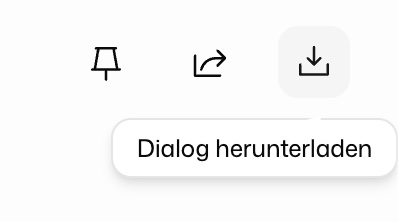
On a phone these actions sit in the Chat actions menu.
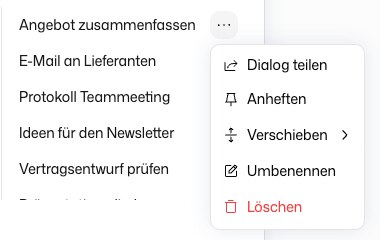
Everything else is in the sidebar. Hover over a conversation and click ⋯, or right-click it. The menu holds Share, Pin (or Unpin), Move (into a project), Rename and Delete. Deleting a chat also deletes the files generated in it.
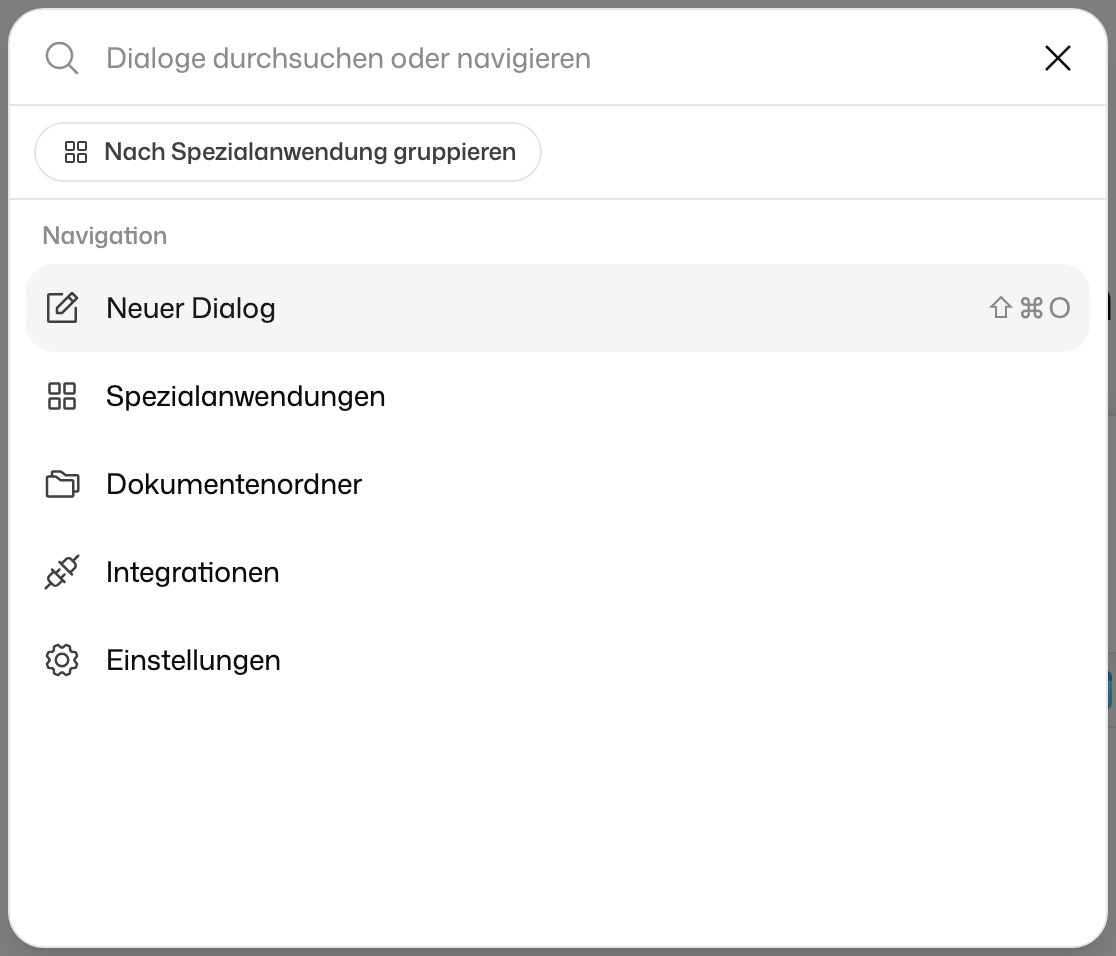
Use Search at the top of the sidebar (⌘K or Ctrl+K) to find past conversations and jump straight to areas like GPTs, document folders or settings.
Share a Chat
In an organization, choose who the link is for. With my organization limits it to people in your organization, and right after that you pick under Who can see this chat? which colleagues or groups may open it. With everyone lets anyone with the link read the chat, even without an account. If that option is greyed out, public sharing has not been enabled for your organization.
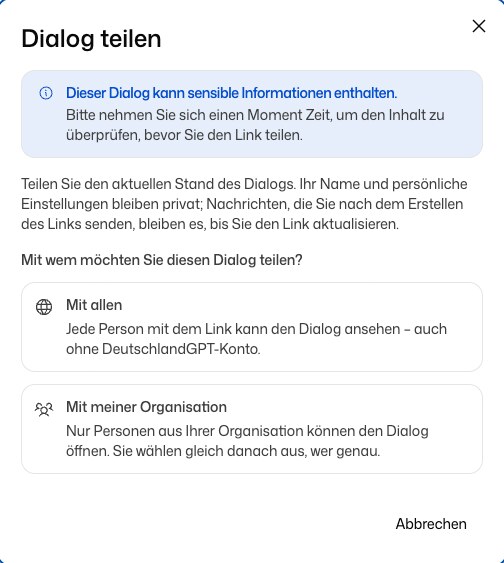
The link shows the chat as it was when you shared it. Messages you write afterwards stay private until you click Update link. Recipients can read the chat but cannot write into it. With a personal account you get a public link right away. All your links are listed under Shared chats.
Where to Go Next
Save prompts you use often and insert them with a slash command.
Organize related conversations with shared instructions and files.
Build your own AI assistants with fixed instructions, knowledge, and persona.
Decide what DeutschlandGPT has to ask you about and what it may do without asking.