Workflow Users lists the members of your organization whose role includes a workflow permission. Open it via All Users in the Users group of the Workflows sidebar. The entry is only shown if your role may read users.
What the List Shows
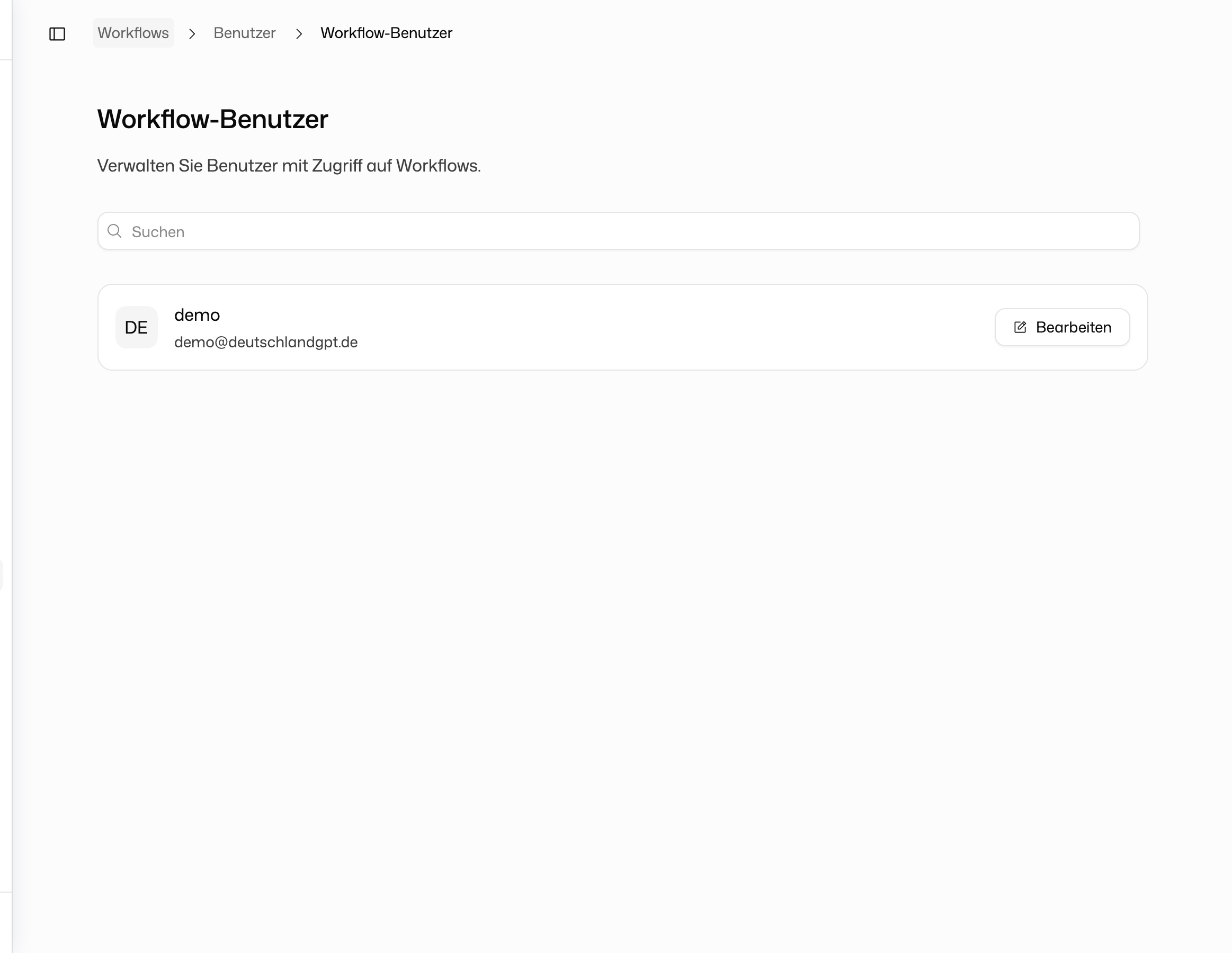
Each card shows the member's name, email address and profile picture. Search by name or email address to find someone.
If your role may also edit users, each card has an Edit button. It opens the member in your organization's settings, where you change their role and with it their workflow permissions.
Personal accounts without an organization see No organization, because this page only exists for organizations.
This list shows who may use Workflows at all. Access to an individual workflow is granted by its owner through Share in the workflow card's menu, if their role may share workflows; see Workflow Builder.