Profile
Edit your profile and tell the AI who you are and how you like to communicate
Settings → Profile holds your name and picture, and the two texts that give the AI lasting context about you. What you enter under Personalization travels into every conversation, so the AI can respond in your role and preferred style without being reminded each time.
Changes on this page are not saved automatically. Click Save when you are done. If you try to leave the page with unsaved changes, DeutschlandGPT asks first.
Set a Profile Picture
Click the + area at the top and upload an image.

Update Your Name and Role
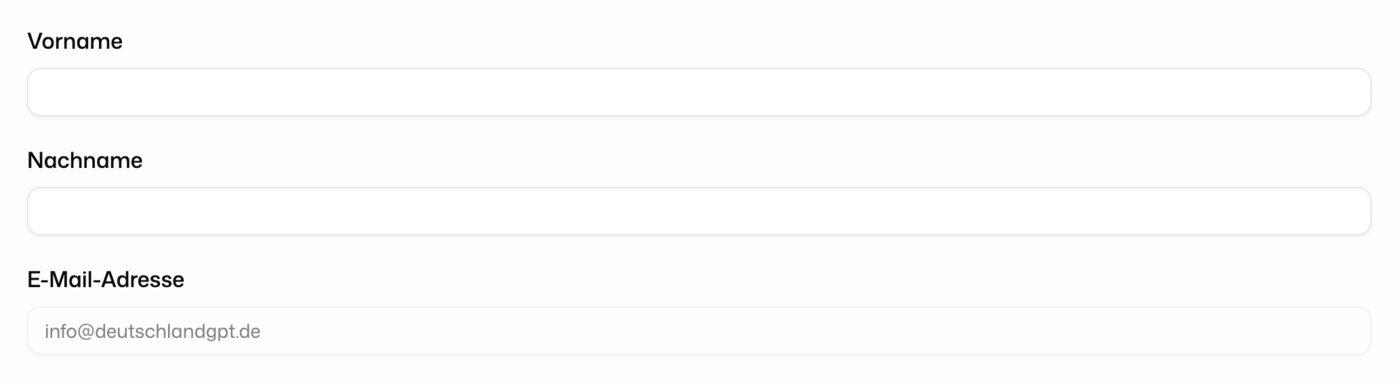
Edit First name and Last name. They appear across the platform wherever your name is shown. Job title and Department tell colleagues in your organization who you are, for example in the member list.
Change Your Email Address
Your email address is read-only. To change it, contact support through Contact support in the account menu at the bottom of the sidebar. See Support.
Add Personal Information
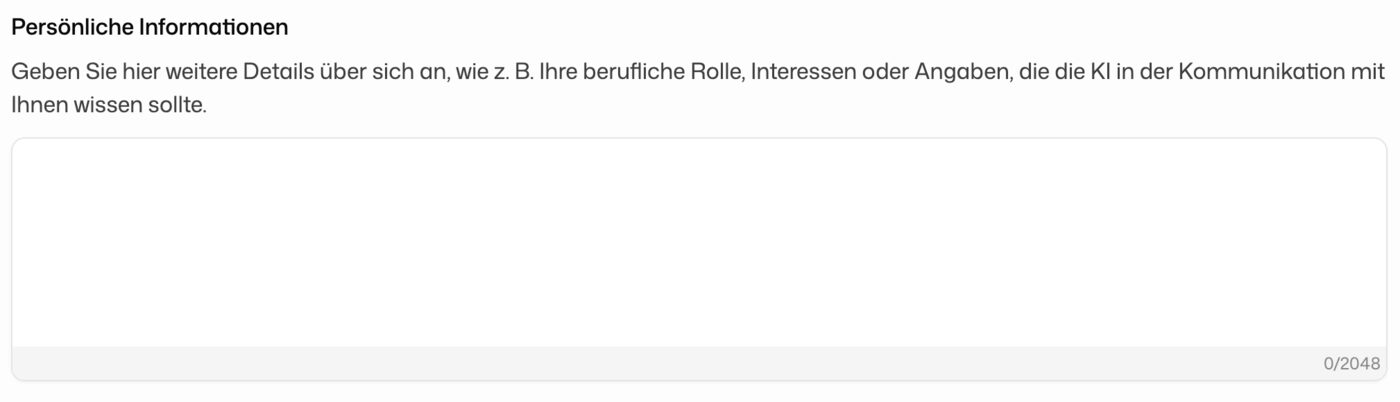
Under Personalization, use the field Personal Information (up to 2,048 characters) for anything the AI should know about you: your professional role, your areas of interest, whatever helps it respond in context. This text is included in every conversation.
Set Your Communication Preferences
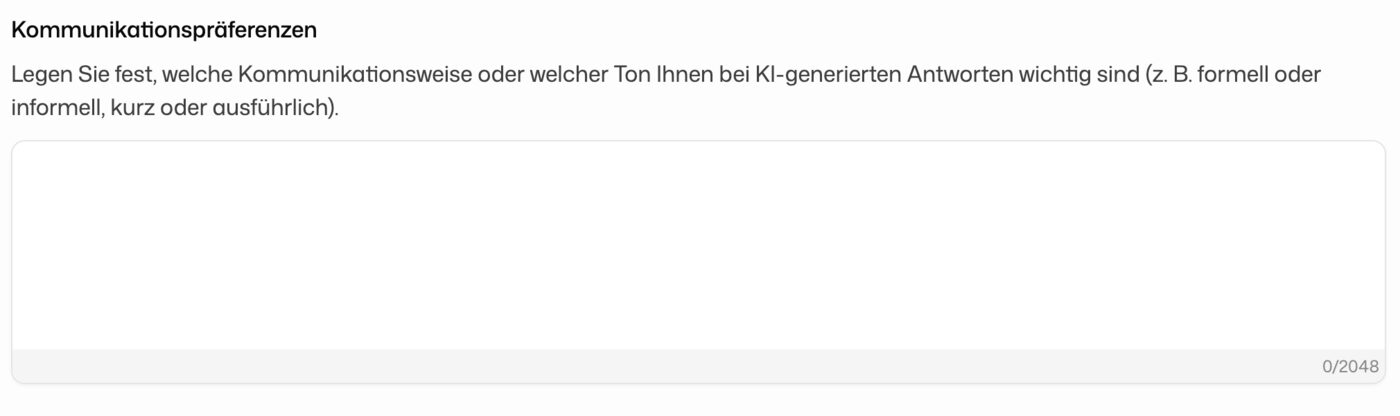
In Communication Preferences, tell the AI how you want its answers to sound, for example formal or informal, brief or detailed. Up to 2,048 characters.
These two fields are the only things the AI remembers about you from one conversation to the next. Instructions for specific, recurring tasks fit better in a skill.